Home screen for Google TV
A calm home screen for Google TV.
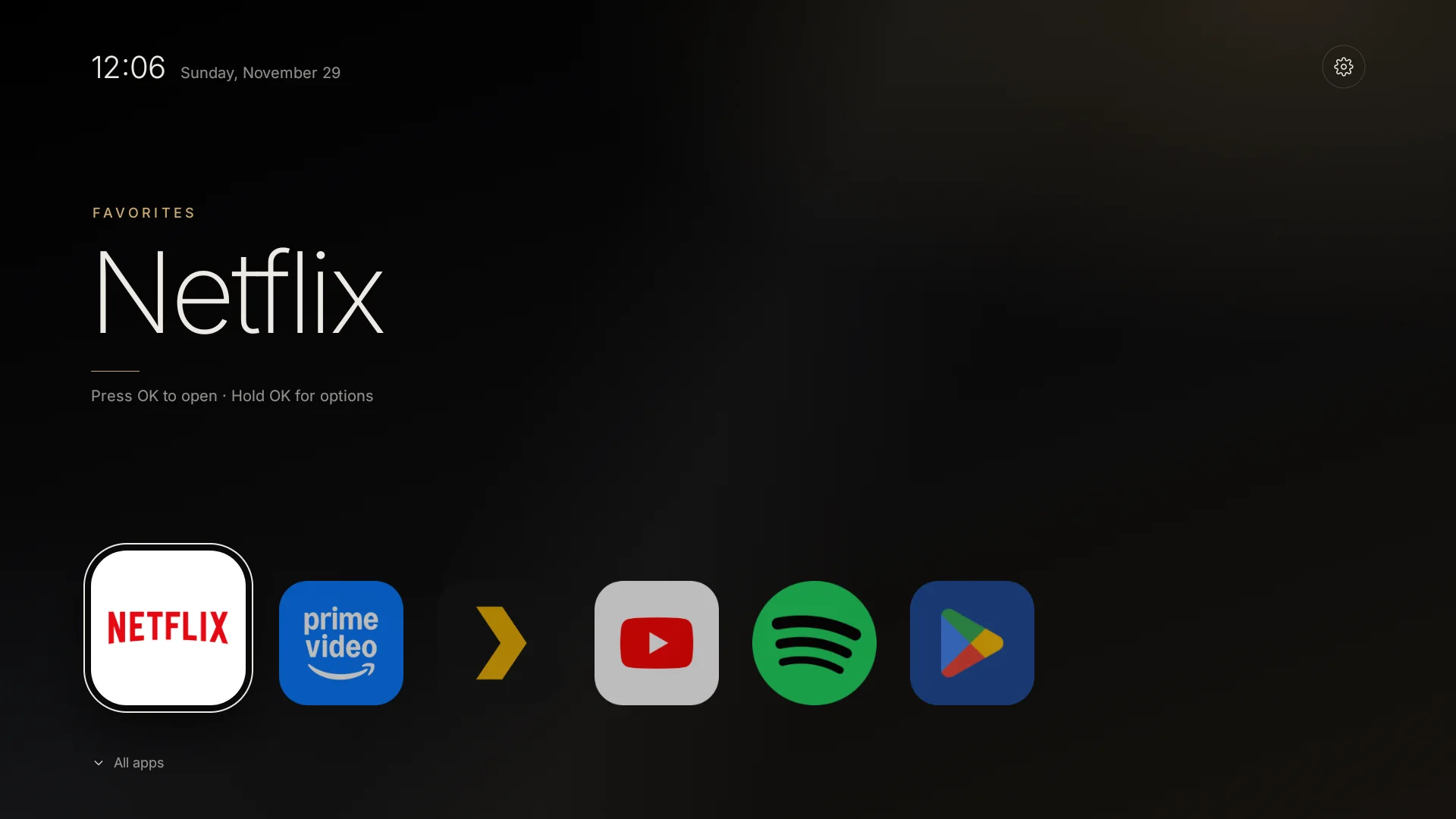
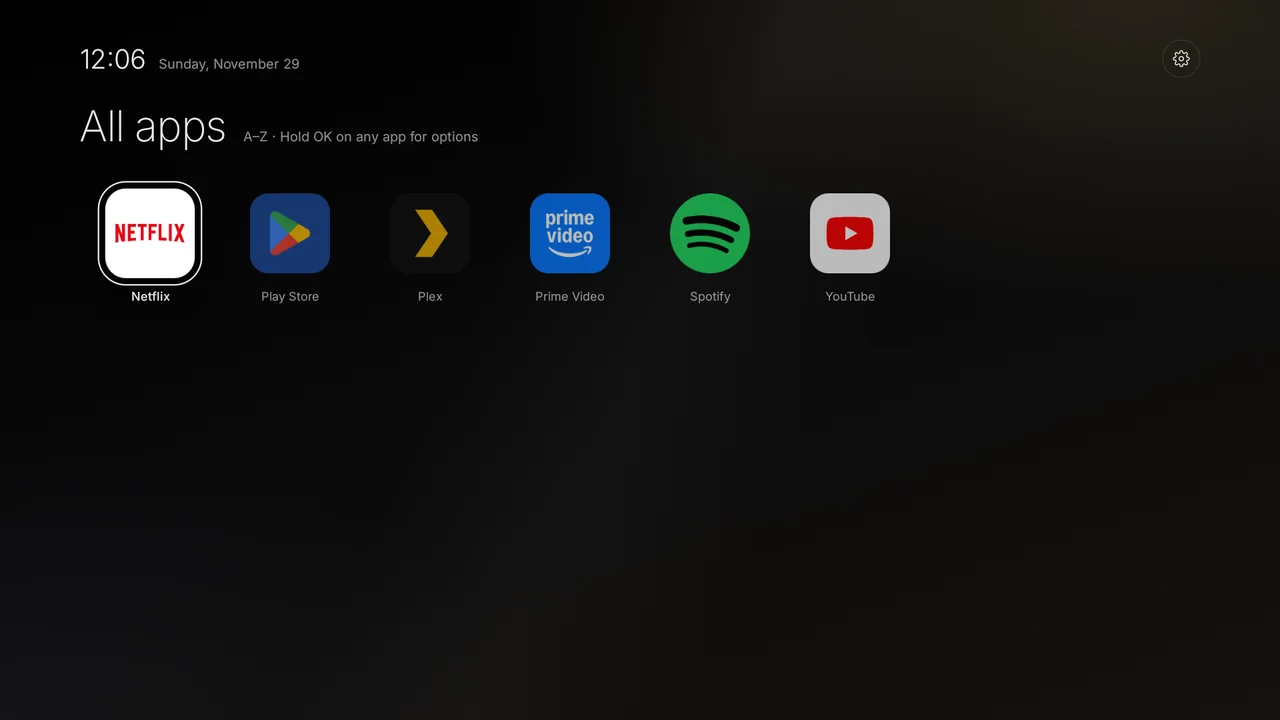
Anora replaces the Google TV home screen with the apps you actually use: up to eight favorites, and every other app one press away. No ads, no sponsored rows, no trailers that start on their own. It runs on Chromecast with Google TV, the Google TV Streamer and TVs with Google TV built in.
On your TV, open Downloader and enter anora.tv/get
Features
What Anora does
No ads or sponsored rows
Home shows your apps and nothing else. Nothing plays on its own and nothing is promoted.
Up to 8 favorites
Pin the apps you use most. The icons resize so 4, 6 or 8 all look right.
Move, hide, close, uninstall
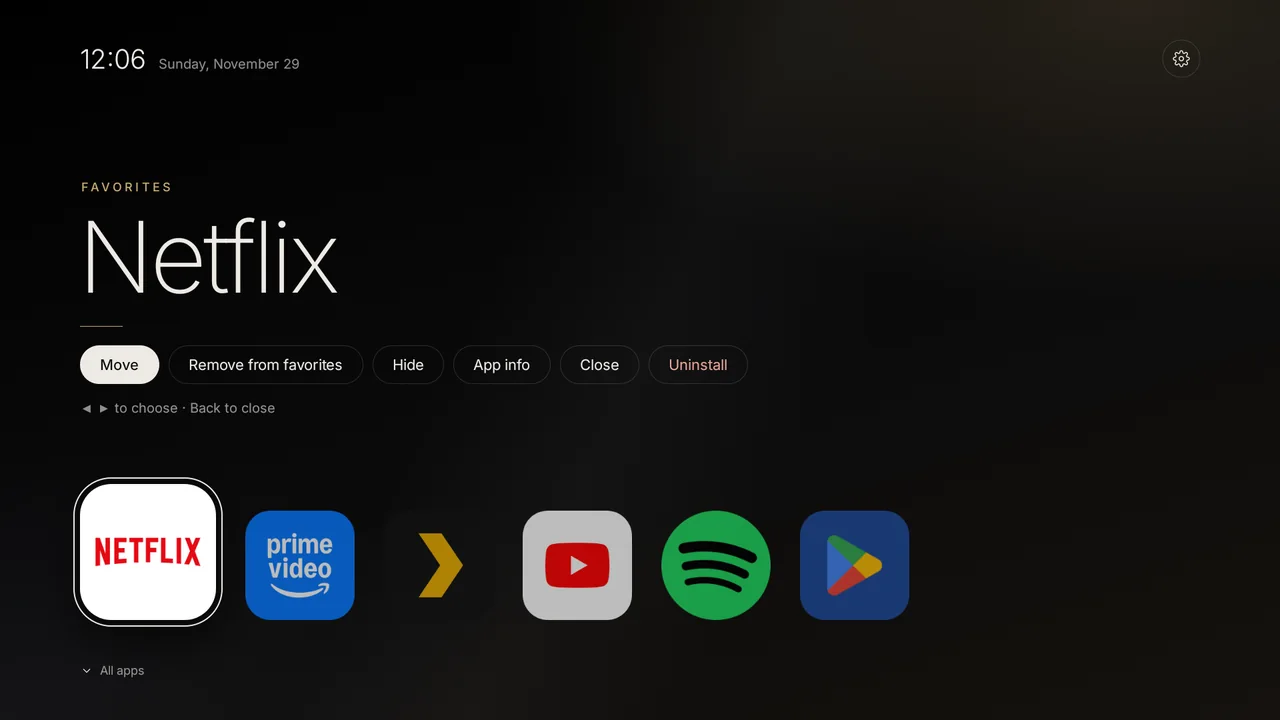
Hold OK on any app for options. Hidden apps stay out of sight until you bring them back.
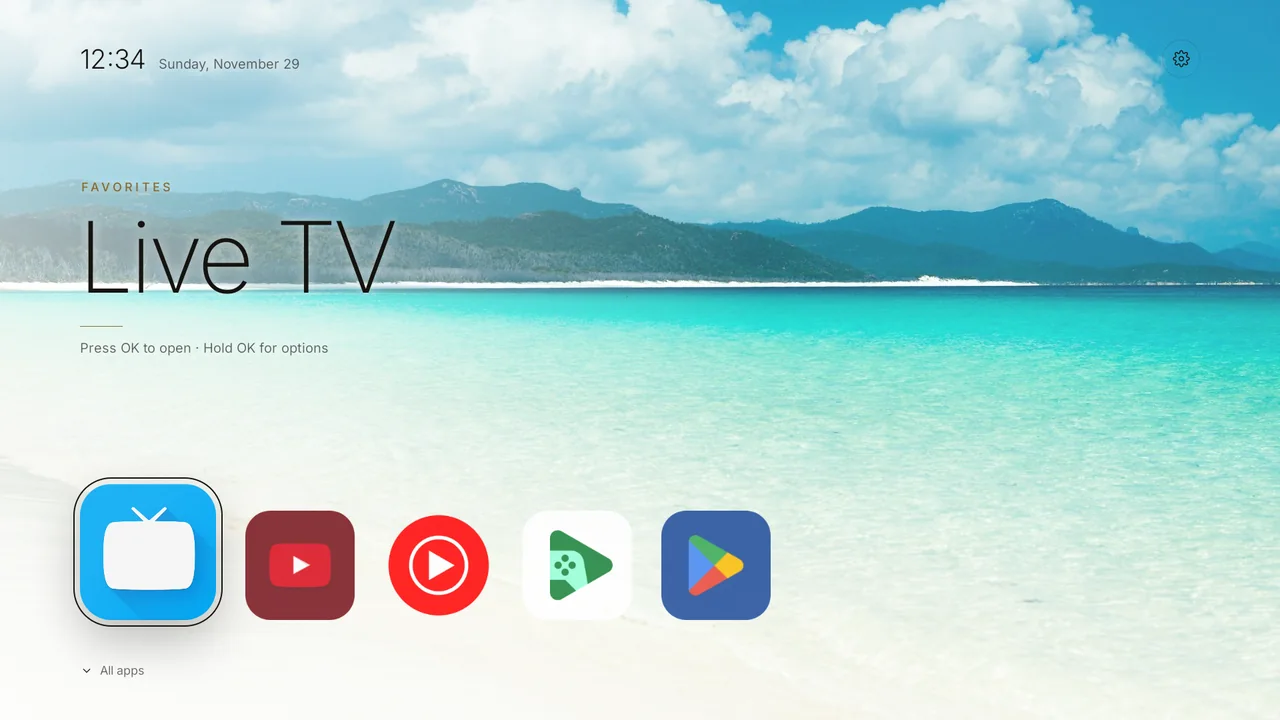
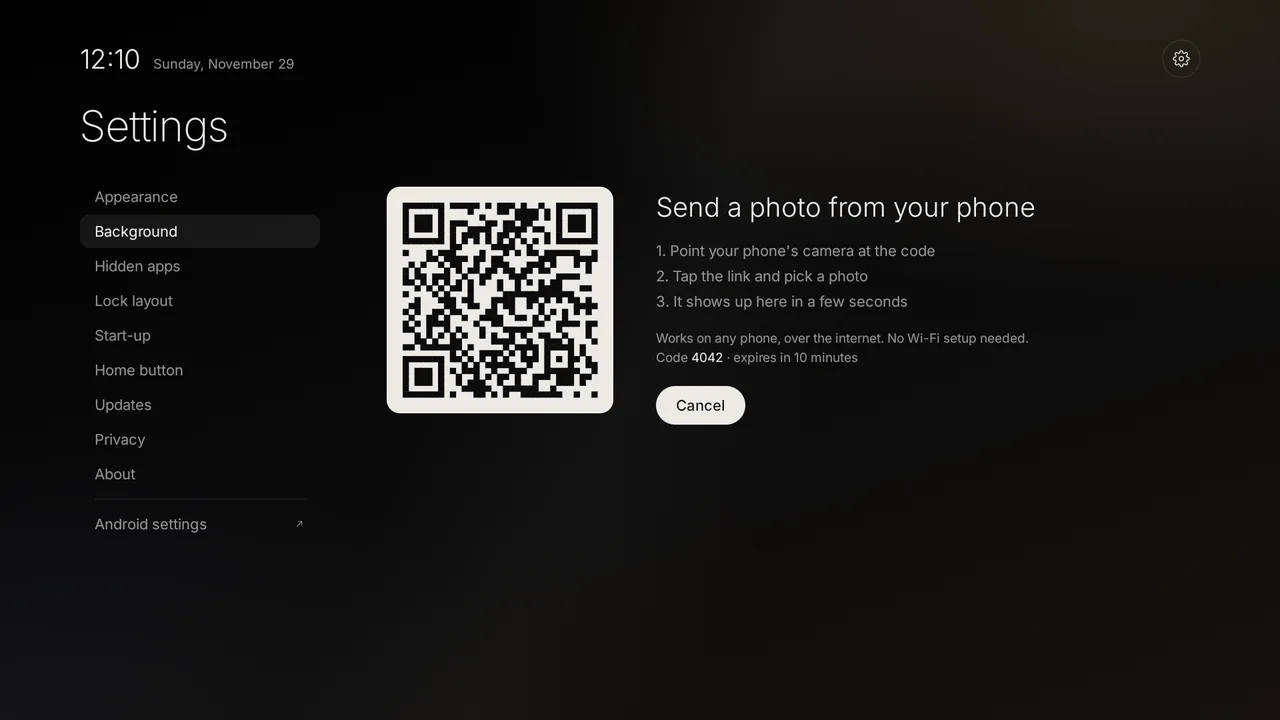
Your photo as the background
Scan a code with your phone and pick a photo. It reaches the TV over the internet, so there's nothing to set up on your Wi-Fi.
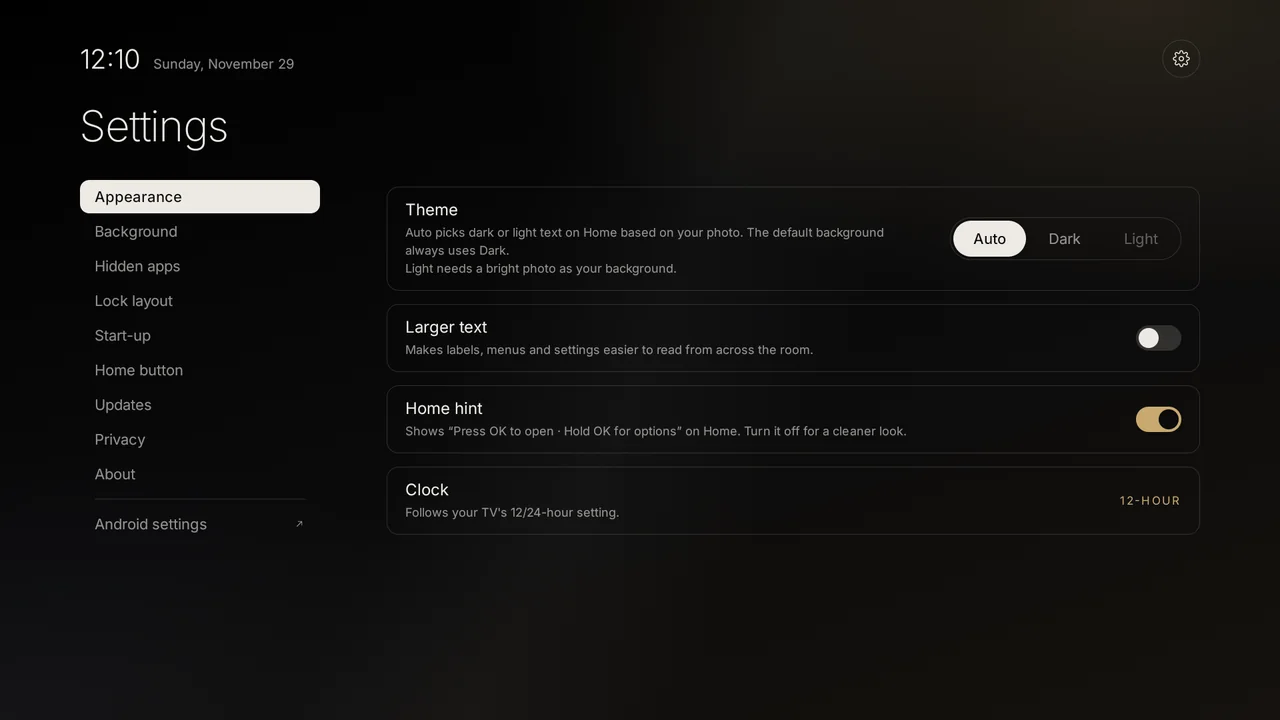
Light or dark
Over a bright photo, Home switches to dark text by itself. You can also choose for yourself.
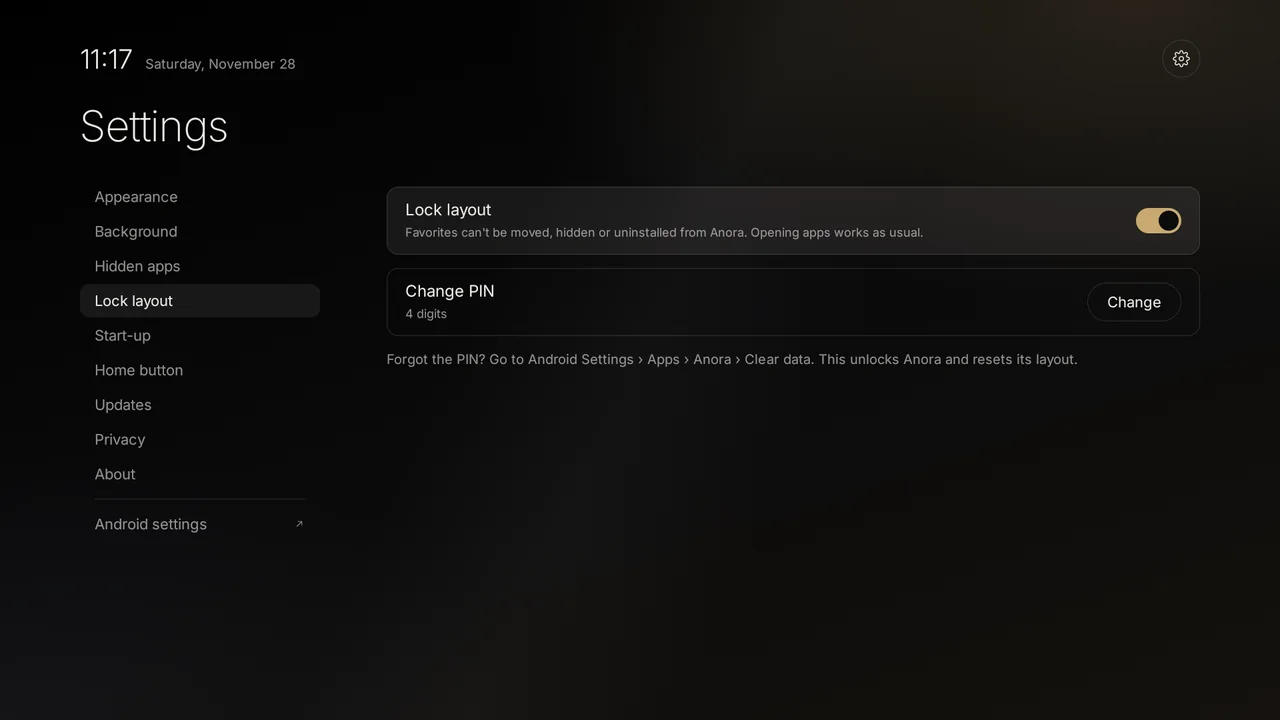
Lock the layout
A 4-digit PIN stops anyone from moving, hiding or uninstalling apps by accident.
Larger text
One switch makes every label bigger, for reading from the sofa.
Open an app at start-up
Have the TV go straight to the app you always watch when it turns on.
Updates itself
New versions install from inside Anora. You only sideload it once.
Screenshots
On a real TV
Install
How to install
- On your Google TV or Chromecast, install Downloader from the Play Store.
- Open Downloader, enter anora.tv/get and install Anora. Allow Downloader to install apps when the TV asks.
- Open Anora and follow the two setup steps, so the Home button opens Anora.
On Android 13 or newer, some TVs need one extra step from a computer. See Home button setup.
FAQ
Questions
Does Anora work on Chromecast with Google TV?
Yes. Anora runs on Google TV devices with Android TV 10 or newer: Chromecast with Google TV (4K and HD), the Google TV Streamer, and smart TVs with Google TV built in.
Is Anora free?
Yes. There are no ads, no accounts and nothing to buy.
Does Anora remove the ads from Google TV?
It replaces the Google TV home screen, which is where the recommendations and sponsored rows are. Your apps, such as Netflix or YouTube, work the same as before.
Why does Anora need an accessibility permission?
Google TV doesn't let you choose a different home screen, so Anora uses an accessibility permission to notice the Home button and open itself instead. It doesn't read or collect anything else.
Can I go back to the normal Google TV home screen?
Yes. In Anora, Settings › Home button › Open Google TV home opens it once. To stop using Anora, uninstall it like any other app and the Google TV home screen comes back.
What does Anora send?
Once a day Anora checks for updates. With anonymous stats on, that check includes a random install ID, the Anora and Android versions and the TV model. You can turn stats off in Settings › Privacy. Photos you send from your phone are deleted from the server as soon as your TV has them. More in the privacy policy.